
Artesian

Top Features of Dynamics 365 Business Central for Financial Management

In today’s dynamic business environment, organizations need robust financial management solutions to streamline their operations and drive growth. Microsoft Dynamics 365 Business Central is a comprehensive ERP (Enterprise Resource Planning) system that offers powerful financial management capabilities. In this blog, we will explore the top features of Dynamics 365 Business Central that make it an ideal choice for efficient financial management. Financial Reporting and Analysis: Businesses can gain insightful knowledge into their financial data thanks to the powerful financial reporting and analysis tools provided by Dynamics 365 Business Central. Users can create balance sheets, income statements, cash flow statements, and
View Project

How to Effectively Implement Dynamics 365 Business Central in Your Business

In today’s competitive business landscape, organizations are constantly seeking innovative ways to streamline their operations, enhance productivity, and improve customer satisfaction. Dynamics 365 Business Central, a comprehensive business management solution by Microsoft, offers a powerful platform to achieve these goals. However, implementing such a solution requires careful planning, diligent execution, and effective change management to ensure a successful integration into your business. In this article, we will discuss the key steps and best practices to effectively implement Dynamics 365 Business Central in your organization. Define your objectives and plan ahead: It’s critical to establish your goals and determine the areas

View Project

Choosing the Best Database for Your Microsoft PowerApps in 2023

Organisations in the modern digital era rely on effective data management systems to streamline operations and boost productivity. Microsoft PowerApps has established itself as an effective low-code platform that enables companies to quickly develop unique applications. PowerApps needs a dependable database to store and retrieve data effectively because it can connect to various data sources. The best database options for Microsoft PowerApps in 2023 will be discussed in this blog. Microsoft Azure SQL Database Users of PowerApps should strongly consider Microsoft Azure SQL Database, a managed relational database service hosted in the cloud. It offers high performance, scalability, and reliability

View Project

Ensuring Data Consistency: The Inner Workings of Microsoft SQL Server

One of the most powerful and popular options in the world of relational database management systems (RDBMS) is Microsoft SQL Server. For companies of all sizes, SQL Server’s robust features and scalability offer effective data management solutions. Maintaining data consistency, which ensures that the data stored remains accurate and reliable, is an essential component of any RDBMS. We’ll look at Microsoft SQL Server’s methods for achieving data consistency and its safeguards for data integrity in this blog post. Understanding Data Consistency: It’s essential to understand the concept of data consistency before delving into Microsoft SQL Server’s internals. Data consistency in

View Project

How to Connect SQL Server from Power Apps

With the help of the powerful low-code platform Power Apps, users may build unique apps without having to have a deep understanding of coding. Power Apps’ ability to connect to many different sources of data, including SQL Server databases, is one of its main advantages. This connectivity creates lots of opportunities for developing data-driven, dynamic apps that are catered to particular business requirements. In this blog article, we’ll go through how to connect SQL Server from Power Apps step-by-step and highlight certain recommended practices to make sure the integration runs well. Understanding Power Apps and SQL Server Integration Before diving

View Project

How to Create a Login Screen in PowerApps: A Step-by-Step Guide

Creating user-friendly and secure login screens is a critical component of many applications in today’s fast-paced digital world. Microsoft PowerApps, a low-code platform, enables users to build custom business applications with little to no coding knowledge. This tutorial will walk you through the steps of creating a login screen in PowerApps while ensuring functionality and security. Why a Login Screen Matters Before we get into the technical details, let’s first understand why a login screen is necessary. A login screen acts as a barrier between the content of your application and unauthorised users. You can control access to sensitive information

View Project

Which one is free to access, Tableau or Power BI?

Tableau and Power BI are the two main players vying for supremacy in the field of data visualisation. These potent tools have completely changed how businesses process and analyse their data by enabling interactive dashboards with eye-catching visuals. One query, though, keeps coming up among users: Which one is actually free to access? In this blog post, we’ll examine Tableau and Power BI’s pricing structures to reveal the complexity and nuanced details hidden in their actually “free” offerings. Understanding “Free” in Tableau Tableau is renowned for its user-friendly, interactive interface that makes it easy for users to explore data. Tableau

View Project

Embracing the Future: Exploring the Benefits of Cloud-Based Dynamics 365 Business Central Deployment

Organisations need a strong and flexible Enterprise Resource Planning (ERP) solution to stay ahead of the competition in the fast-paced business environment of today. As a complete and strong ERP platform, Microsoft Dynamics 365 Business Central empowers businesses with streamlined operations, data-driven insights, and improved collaboration. Organisations can gain a variety of advantages that rocket them into the future of effective and creative business management by fusing the capabilities of Dynamics 365 Business Central with the adaptability of cloud-based deployment. What is Dynamics 365 Business Central? Accounting, finance, supply chain, sales, and customer service are all integrated into Dynamics 365

View Project

10 Tips I Wish I Knew Before Starting with PowerApps

Users can create unique apps with PowerApps, Microsoft’s low-code application development platform, without having to have a deep understanding of coding. Despite being a tool with a huge range of applications, diving in without some fundamental understanding can be stressful. I wish I had known these 10 suggestions before starting my PowerApps journey. Understand Your Business Processes First Have a clear understanding of the business processes you want to automate or improve with PowerApps before you begin building. Describe workflows in detail, pinpoint trouble spots, and specify the main goals. Your development process will be guided by this fundamental knowledge.

View Project
CRM Plugin Development and Customization

Mastering CRM Plugins: Customizing Dynamics 365 with .NET C#

Introduction and Concept to Plugin Plugins are custom business logic or code which modifies the default behavior of CRM platform. This requires .net c# programming concept and a developer knowledge with CRM SDK knowledge. As a technical term Plugin is a .net class library(.dll) which uses the reference of Microsoft.Xrm.Sdk.dlland Microsoft.Crm.Sdk.Proxyassembly to interact with CRM Organisation to achieve the task. As plugin interacts with CRM service so System.Runtime.Serialization namespace is required. Plugin are also called as CRM Event Handlers which reacts on events raised by CRM platform. Events are like Create Record, Update Record, Retrieve Record, Delete Record etc.. Plugin

View Project

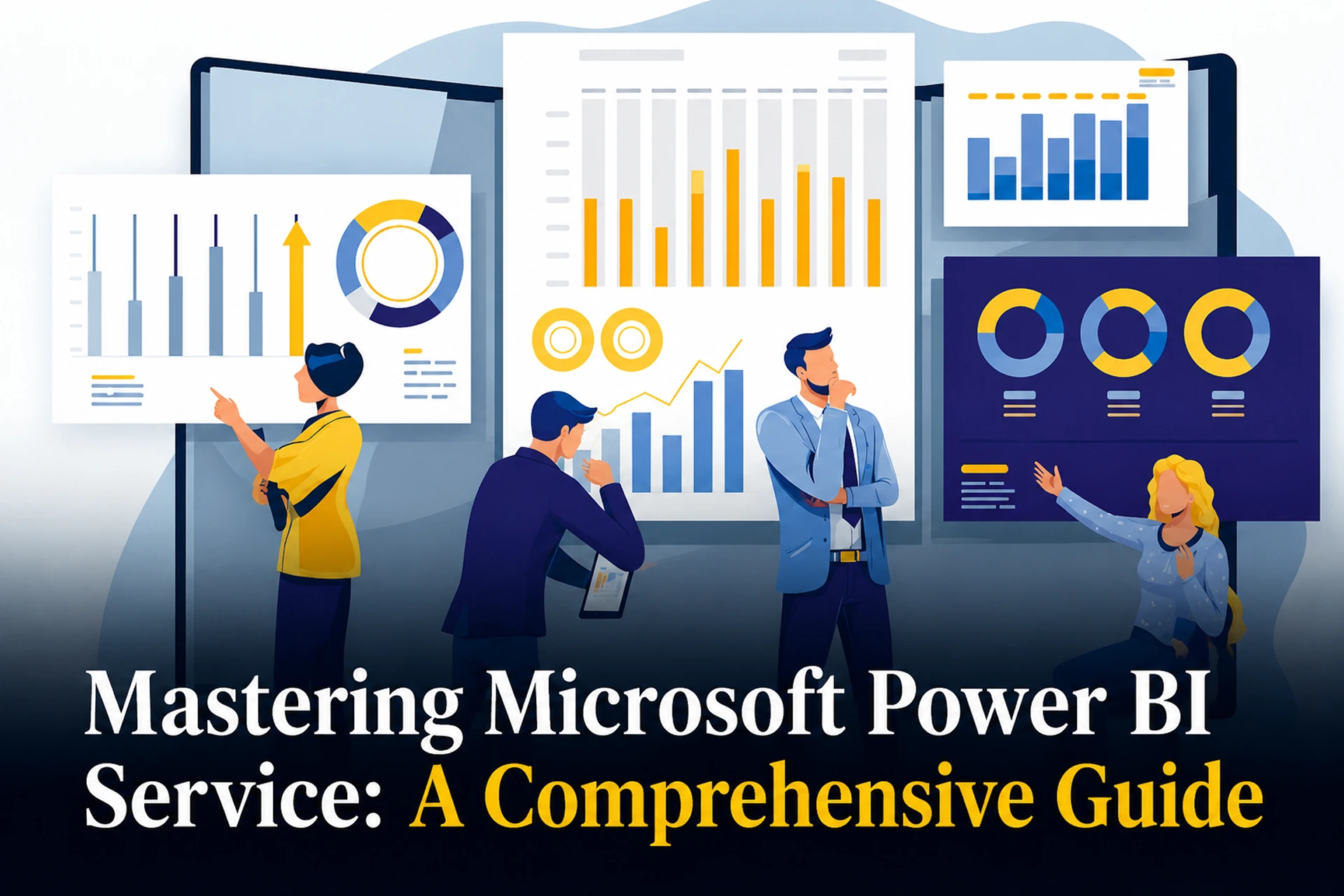
Unleashing the Power of Data: A Comprehensive Guide to Microsoft Power BI Service

Businesses rely on powerful analytics tools in today’s data-driven world to turn raw data into insightful information. In this area, Microsoft Power BI Service is a shining example, enabling businesses to analyse their data, identify trends, and get actionable intelligence. The way businesses analyse and share information has been transformed by this cloud-based platform. We’ll examine the core concepts of Microsoft Power BI Service in this blog, as well as its features, advantages, and potential to transform data-driven decision-making. Understanding Microsoft Power BI Service The Backbone of Business Intelligence Microsoft provides a cloud-based business analytics solution called Microsoft Power BI

View Project

Understanding the Costs of Microsoft Power BI: A Comprehensive Guide

Businesses rely heavily on tools that can assist them in effectively analysing and visualising their data in today’s data-driven world. With the help of the powerful business intelligence platform Microsoft Power BI, businesses can now extract insightful knowledge from their data. To make wise choices about Power BI adoption, it is essential to understand the associated costs. Power BI Overview It’s important to understand what Microsoft Power BI offers before diving into the costs. With the help of the Power BI toolkit, users can connect to a variety of data sources, transform and clean the data, and produce reports and

View Project
Scroll to Top