Case Study

Automating Data Processing from SharePoint to Dataverse Using Power Automate

Our client was manually extracting data from Excel files uploaded to a SharePoint document library and re-entering it into their Dataverse tables by hand. This slow, error-prone process drained staff time and introduced severe data inconsistencies. With no automation in place, every new file required human intervention, and there was no alerting system to notify stakeholders of success or failure. They needed a reliable, hands-free pipeline, so they partnered with Artesian Software Technologies.

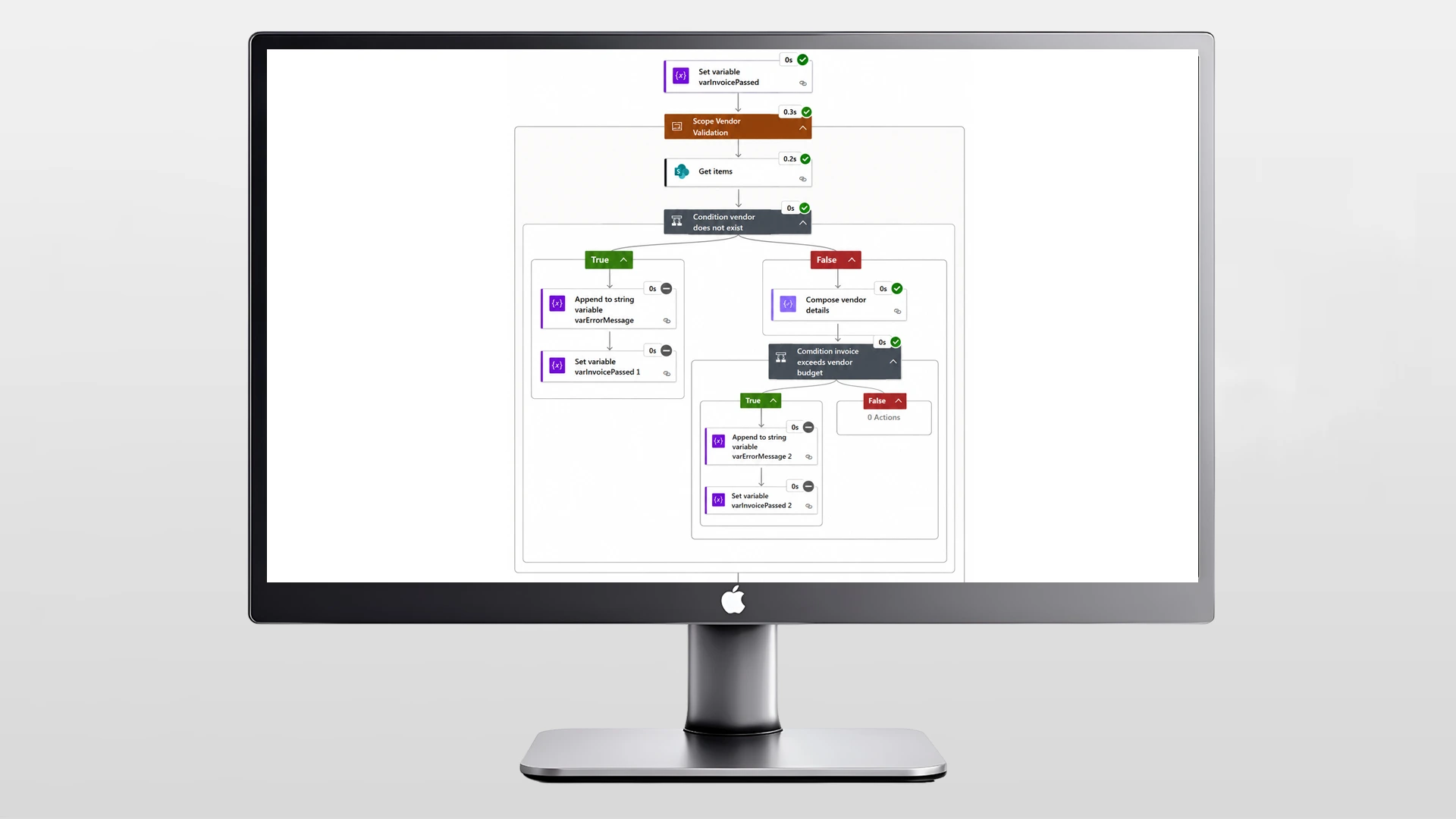
We developed a Power Automate flow that triggers immediately upon any new Excel upload in SharePoint. It extracts the required data, maps it accurately to the correct Dataverse tables with relational integrity intact, and sends automated email notifications. A robust Try/Catch error handling layer catches issues, retries on transient errors, and alerts the flow owner instantly.

Automation

Microsoft Power Automate

File Trigger

SharePoint Document Library

Data Source

Excel (OneDrive/SharePoint)

Data Destination

Microsoft Dataverse

Notifications

Automated Email Alerts

Error Handling

Try/Catch Flow Blocks

The Challenge

  • Manual SharePoint Data Extraction: Staff manually extracted and entered SharePoint Excel data into Dataverse, causing costly delays and missed records.

  • Inconsistent Excel File Structures: Varying column names and sheet layouts made standard extraction impossible without flexible, format-aware logic.

  • Compromised Relational Data Integrity: Mapping data to related Dataverse tables required precision, one manual mistake could break the entire linked dataset.

  • Lack of ETL Pipeline Visibility: Manual processing lacked alerts, meaning data drops went completely unnoticed and unresolved by the flow owner.

  • Zero Process Automation Tracking: Teams lacked notifications for successful or failed file processing, leaving them in the dark regarding data status.

Our Solution

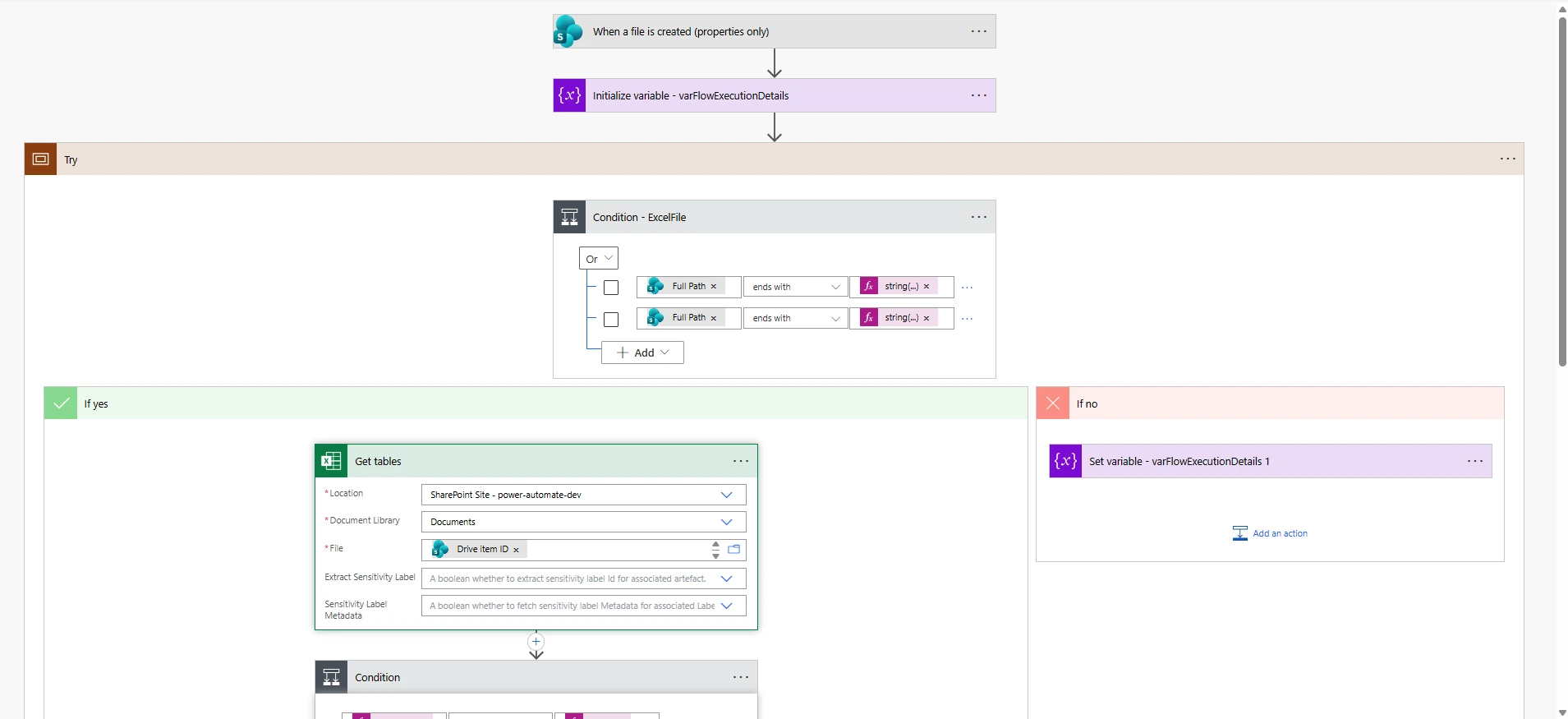
  • SharePoint Webhook Triggers: Implemented a SharePoint file creation trigger to initialize variables and execution contexts immediately upon upload.

  • Dynamic Excel Parsing: Utilized ‘Get Tables’ to dynamically resolve varying worksheet arrays and validate structural integrity prior to extraction.

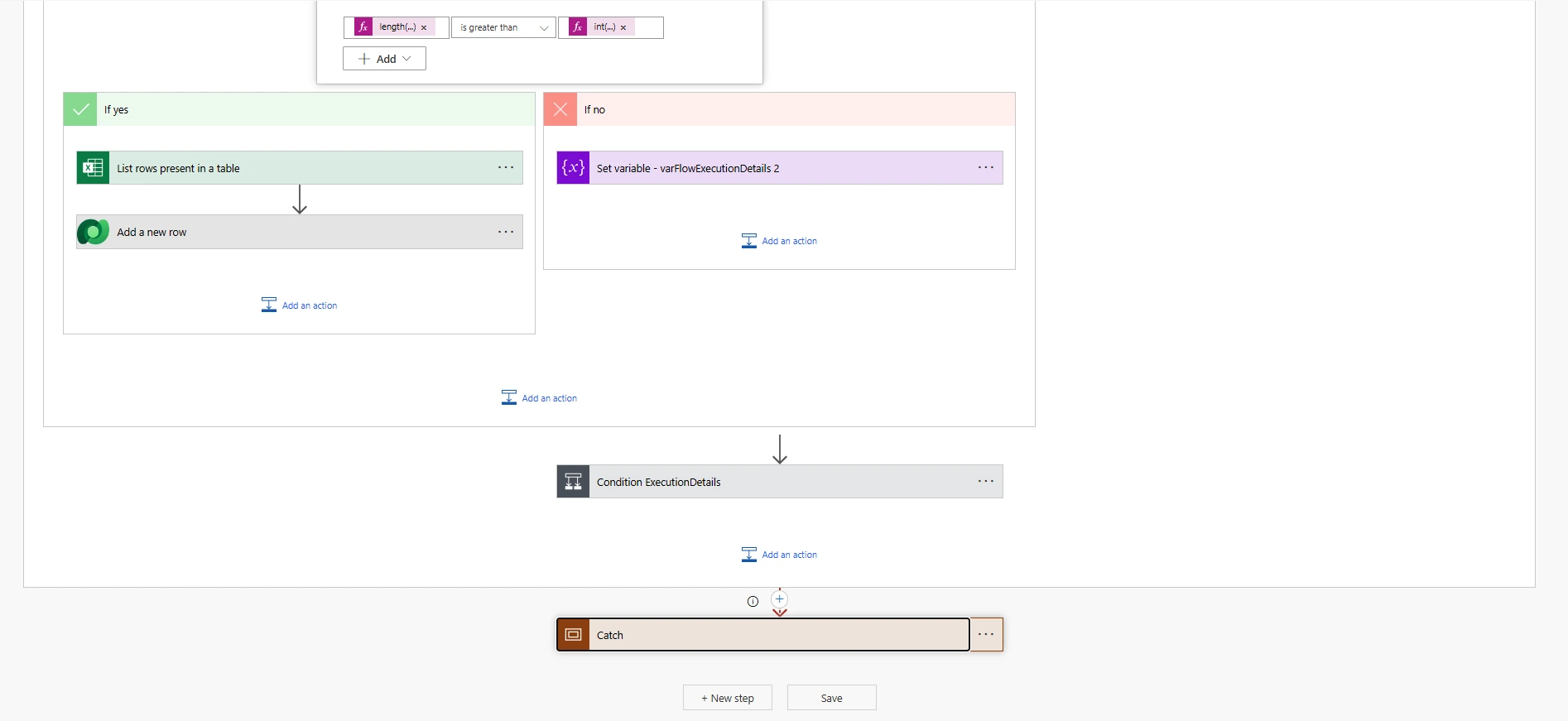
  • Iterative Row-Level Processing: Looped through Excel rows to map field values conditionally, accurately tracking execution details along the way.

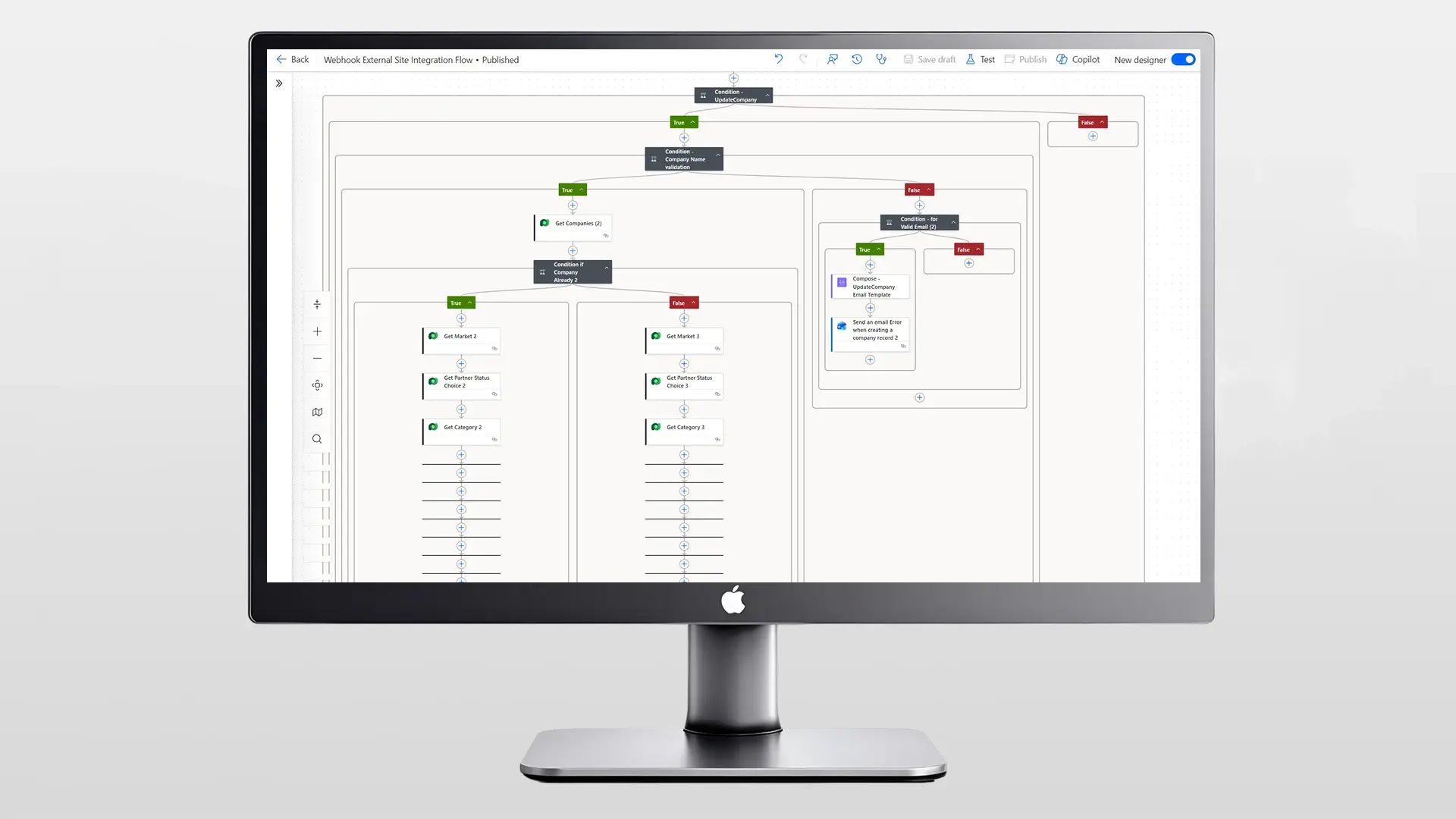
  • Relational Dataverse CRUD: Used Dataverse connectors to insert data across multiple tables simultaneously while respecting predefined table relationships.

  • Try/Catch Fault Tolerance: Wrapped the flow in a Try/Catch structure to instantly trigger failure emails containing actionable error logs.

Business Impact

  • 90% Drop in Manual Entry: End-to-end automation eliminated manual copying, freeing staff to be reallocated to higher-value work.

  • Near-Zero Dataverse Errors: Automated extraction and structured Dataverse mapping drastically improved overall data quality and relational integrity.

  • Instant Flow Failure Detection: Try/Catch blocks and automated failure emails flag processing issues immediately for quick resolution within seconds.

  • Full Stakeholder Transparency: Automated start, success, and failure emails completely eliminate communication gaps across relevant teams.

  • Highly Scalable Architecture: The modular condition-driven architecture easily scales to support new Excel formats and additional Dataverse tables.

We used to waste hours every week just copying Excel data by hand. Thanks to the Artesian team, it all happens automatically the second we upload a file. The new setup handles everything, and those error alerts have saved us from so many mistakes we definitely would have missed! — Head of Data Operations & Business Systems

Transform Your Ideas into Reality

Your creativity inspires endless possibilities for what we can build together!
Scroll to Top