
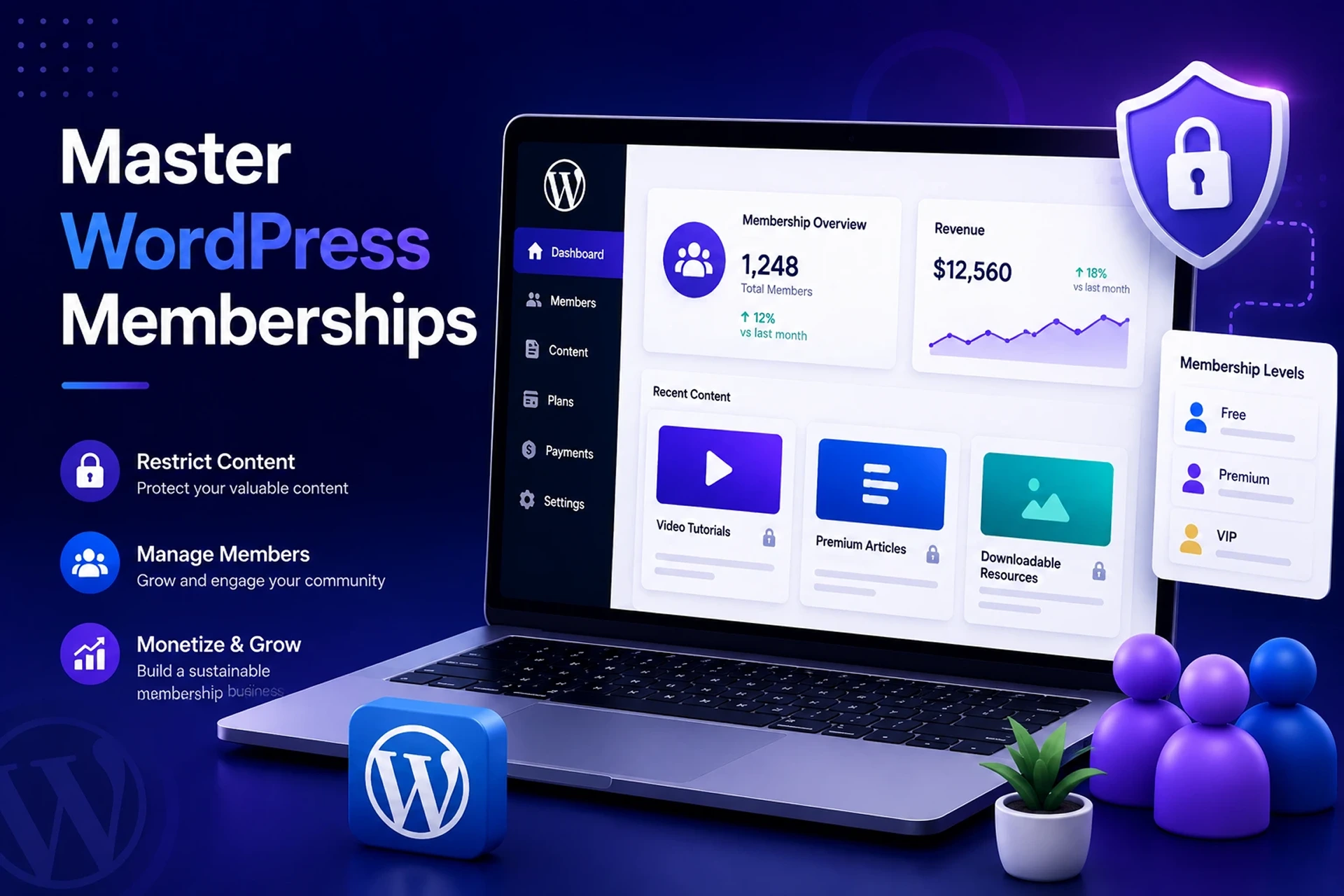
Are you looking to monetize your expertise, build a loyal community, or create a steady stream of predictable income? With the global subscription economy projected to hit $859 billion in 2026, there has never been a better time to launch a WordPress membership website.
Far from being a simple login screen, a modern membership site is a full-fledged digital ecosystem. It allows you to protect your hard work, engage your audience, and scale your business. Here is everything you need to know about how to build a WordPress membership site, the best plugins to use, and how to maximize your recurring revenue.
What is a WordPress Membership Website?
At its core, a WordPress membership website allows you to provide exclusive content, services, courses, or community access to registered members.
Instead of casting a wide net and hoping for one-off ad clicks, a membership site lets you gate your premium value behind a digital velvet rope. No matter if you are running a digital academy, a coaching program, or a VIP community, setting up a membership portal puts you completely in charge of your content access.
Core Features of a High-Converting Membership Site
To run a successful platform, your website needs to handle everything from content protection to course delivery seamlessly. Here are the core building blocks:
1. Flexible Membership Plans
To maximize your revenue, you need to cater to different types of users. A great membership site allows you to offer multiple tiers:
| Membership Type | What It Offers |
|---|---|
| Free | Users access basic content without paying (great for lead generation). |
| Paid | Charges a one-off fee to unlock premium content, courses, or services. |
| Recurring | Collects payments automatically (monthly/yearly) for predictable cash flow. |
| Lifetime | Provides permanent access through a single, premium upfront payment. |
| Trial | Lets users test-drive premium features before committing to a paid plan. |
2. Advanced Content Restriction
Your content is your currency. A WordPress membership site gives you granular control over your intellectual property. You can restrict access to Premium Articles, Exclusive Videos, and Downloadable Resources.
You don’t have to lock down your entire site. You can apply restriction rules to specific pages, individual posts, or entire categories to hide them from non-paying public visitors.
3. Professional Online Courses (LMS)
If you want to teach an audience, your site can double as a Learning Management System (LMS). You can organize structured lessons, embed video tutorials, and test your students’ understanding with interactive quizzes. Providing progress tracking and awarding certificates keeps users motivated to finish the curriculum.
4. Content Dripping
Don’t overwhelm your members on day one. Content dripping allows you to release your content gradually (e.g., unlocking a new module every week). This approach sets up a clear, organized learning journey and greatly increases subscriber retention, as it stops people from downloading your entire library on day one and immediately canceling their plan.
5. Seamless Payment Gateway Integration
Getting paid should be the easiest part of your business. Integrated payment systems allow you to accept payments securely and handle the heavy lifting behind the scenes. This includes processing both one-time and recurring payments, handling automated renewals, and generating professional invoices for your members’ records.
Best WordPress Membership Plugins Compared
To turn a standard WordPress blog into a gated platform, you need the right software. Here is a look at the top contenders:
- MemberPress: The best all-in-one solution. It features a built-in LMS, robust content dripping, and seamless integrations. Best for course creators and non-developers.
- Paid Memberships Pro: The best free/freemium option. It allows for unlimited membership levels and multiple payment gateways right out of the box.
- Restrict Content Pro: The best for developers. It offers clean, lightweight code and deep WordPress integration for highly customized setups.
How to Build a Membership Site in 4 Steps
- 1.Choose Your Hosting and Theme: Start with robust, scalable WordPress hosting and a theme optimized for learning (like Astra or BuddyBoss).
- 2.Install Your Membership Plugin: Select a tool like MemberPress or Paid Memberships Pro to handle your content restriction rules.
- 3.Configure Your Payment Gateway: Connect a processor like Stripe or PayPal to enable automated billing and secure checkout processing.
- 4.Create and Gate Your Content: Build your courses, set up your drip schedules, and establish your membership tiers.
Frequently Asked Questions (FAQ)
Can I set up a fully functional membership portal on WordPress entirely for free?
Yes. You can use free plugins like Paid Memberships Pro or the free tier of Restrict Content Pro alongside a free WordPress theme to launch a basic membership site at zero initial software cost.
What is the best plugin available for creating a WordPress membership website?
MemberPress is widely considered the best overall plugin due to its built-in LMS, powerful content dripping features, and ease of use for beginners and experts alike.
How much does it cost to run a WordPress membership site?
Basic setups can cost between $15 and $50 per month for hosting and premium plugins. Scaling up with advanced CRM and e-commerce tools will vary based on your transaction volume and audience size.
Final Thoughts
A WordPress membership website is so much more than a simple gatekeeper for your text and images. It is a comprehensive business engine that manages subscriptions, protects intellectual property, and drives predictable, recurring revenue. By aligning the right features and plugins with your business goals, you can build a highly profitable platform that delights your members while supporting long-term growth.